

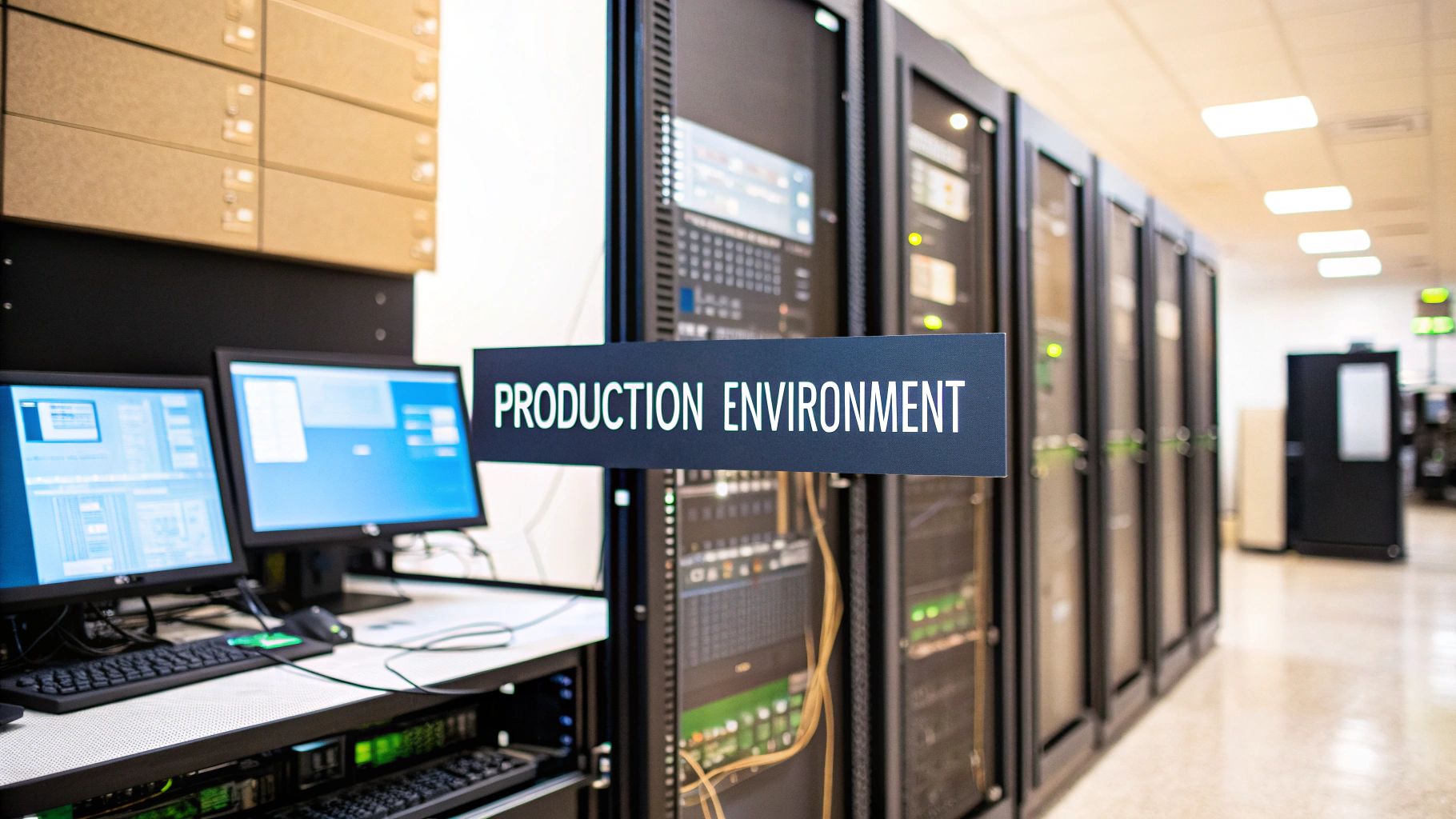
So, what exactly is a production environment?
Think of it as the live stage where your software performs for a real audience. This is the final, public-facing version of your application that customers interact with every day. It's where actual sales are made, real data is processed, and your business's reputation is on the line.
It’s opening night, every night.
This guide will break down not just the definition, but also the critical components, risks, and team preparations that go into managing a healthy production environment. We'll explore why this "live" stage is so different from development and staging, what it takes to keep it running smoothly, and how to avoid common pitfalls that can lead to downtime and user frustration.
From Messy Rehearsal to Flawless Performance

To really grasp the concept, let's stick with the theater analogy.
Behind the scenes, the cast and crew are in a chaotic rehearsal space. They're trying out new lines, building sets, and figuring out the lighting. This is the development environment—a private, messy, creative sandbox where developers can write code, experiment, and break things without anyone in the audience seeing. It's optimized for speed and iteration, not stability.
Then comes the dress rehearsal. The actors are in full costume, the lighting is set, and they run through the entire show on the actual stage, but with an empty theater. This is the staging environment. It's an exact replica of the real thing, designed to catch any final glitches before the audience arrives. This is where you validate that everything works together as a cohesive whole.
Finally, the curtain rises. The lights come up, the audience is in their seats, and the show begins. This is the production environment. Everything has to work perfectly because this is the real deal—the live performance that people paid to see. Reliability, security, and performance are paramount.
Why Separating Environments Matters
Keeping these stages distinct is fundamental to building reliable software, but it's not always easy. In fact, a Stack Overflow survey found that 62% of developers see deployment and environment management as a major headache. Worse, 45% said they deal with production outages at least once a quarter because of simple misconfigurations. This separation acts as a quality gate, preventing mistakes made in development from impacting real users.
Production is where your application delivers on its promise. It’s the system that serves live users and directly drives business value, so it needs to be stable, secure, and reliable above all else.
To make the differences crystal clear, here’s a quick breakdown of how these three critical environments stack up. Managing the variables between them is also a key challenge, which is where things like .env files come into play. You can learn more about what an .env file is and its role in our dedicated guide.
Development vs Staging vs Production at a Glance
This table breaks down the core purpose and audience for each environment. Notice how the goals shift from rapid creation to final validation and ultimately to flawless delivery.
| Environment | Primary Purpose | Typical Users | Key Goal |
|---|---|---|---|
| Development | Writing and testing new code, features, and fixes. | Developers | Build new functionality and iterate quickly. |
| Staging | Final testing in a production-like environment. | QA Testers, Product Owners | Validate changes and ensure stability. |
| Production | Serving live traffic to end-users. | Customers, End-Users | Deliver a flawless, reliable experience. |
Understanding this separation is the first step. Development is for building, staging is for validating, and production is for performing. Each one has a unique job to do, and respecting those boundaries is what keeps the show running smoothly.
Why You Cannot Just Ship Code Directly to Production

Pushing code straight to a live application is a bit like a chef serving an untested recipe during a restaurant’s grand opening. The potential for disaster is huge. A single mistake could crash the system, expose sensitive user data, or just ship a broken feature that alienates your entire user base. Even a seemingly minor bug could corrupt your entire production database.
That’s why your code needs to take a critical journey through different environments before it ever gets near your customers. Think of this process not as a delay, but as an essential quality control system built to protect your business and its reputation. Each stage has a specific job: filtering out bugs and ensuring the final product is stable, secure, and ready for the real world.
The journey starts in the development (dev) environment.
The Creative Workshop: Your Development Environment
The dev environment is the creative workshop where ideas first take shape. It’s a completely isolated space where developers can build new features, experiment with code, and fix bugs without any fear of impacting live users. It's designed for rapid iteration and is often in a constant state of flux.
Here, developers can freely break things, test out ideas, and collaborate on new functionality. They might use mocked data, simplified services, and local databases to accelerate their work. It’s the messy, behind-the-scenes work that is absolutely fundamental to any great product. But just because code works on a single developer’s machine doesn't mean it's anywhere near ready for the public. Local configurations, different dependency versions, and operating system quirks can all hide issues that will only surface later.
This is where the next crucial step comes in: the staging environment.
The Final Dress Rehearsal: Your Staging Environment
Once a feature is considered "done" in development, it’s promoted to the staging environment. This is the final dress rehearsal before opening night. A staging server is set up to be an exact replica of your production environment, using the same hardware, software, and network configurations. The goal is to eliminate the "it works on my machine" problem entirely.
Its entire purpose is to simulate real-world conditions. This is where quality assurance (QA) teams, product managers, and other stakeholders conduct their final tests to catch any last-minute issues. It's also where you can run integration tests with other services, perform load testing to check for performance bottlenecks, and validate that database migrations run correctly on a copy of the production data.
By testing in a perfect mirror of production, you can confirm that new changes won’t conflict with existing code, cause performance bottlenecks, or introduce unexpected behavior when they finally go live.
This structured workflow is the bedrock of modern software delivery. For a deeper look into these workflows, our guide on software deployment best practices offers more detailed strategies. At the end of the day, skipping these steps introduces unacceptable risks to your revenue, reputation, and user trust.
The Building Blocks of a Healthy Production Environment
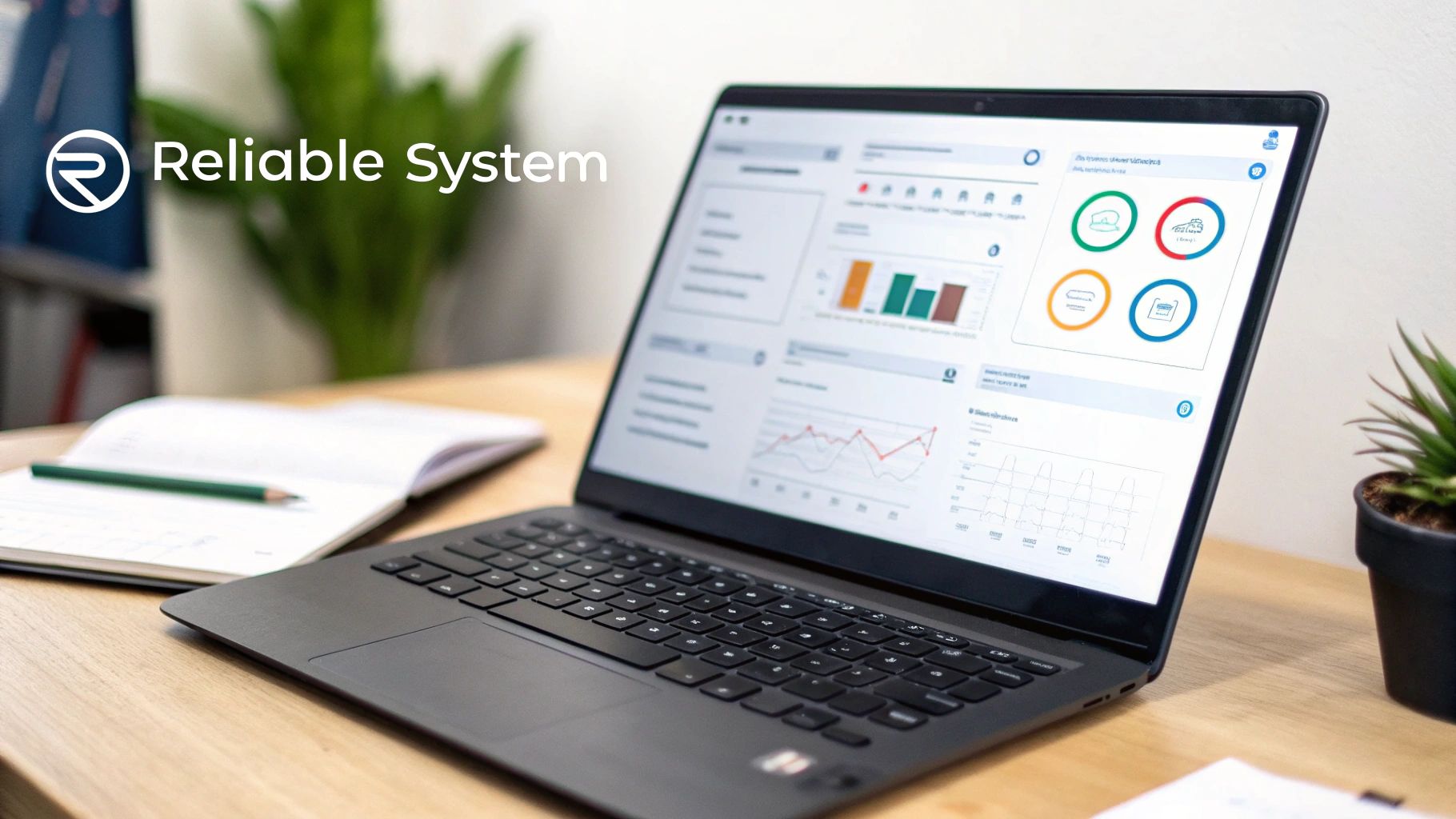
A solid production environment isn't just a server running your code. It's a living ecosystem of interconnected parts, all working in concert to keep your application reliable, secure, and ready to grow. Without these foundational pieces, even the most elegant code will crumble under real-world pressure.
Think of it like the support systems for a skyscraper. You don't just see the glass and steel; you're relying on the unseen foundation, electrical grid, plumbing, and security. In the same way, the answer to what is a production environment lies in the systems that support the live application.
These systems are what turn a simple deployment into a resilient, professional operation. Let’s break down the essential components.
Deployment Pipelines: The Automated Highway to Users
A deployment pipeline, often powered by a CI/CD (Continuous Integration/Continuous Deployment) process, is the automated highway that takes code from a developer’s laptop and delivers it to your users. It replaces risky, manual updates with a repeatable process that automatically tests, builds, and deploys new code. This automation is critical for consistency; it ensures every deployment follows the exact same steps, dramatically reducing the chance of human error.
This automation is the bedrock of both speed and reliability. The production environment is where your code faces the ultimate test—real users, unpredictable traffic, and constant security threats. The State of DevOps Report found that elite teams who deploy multiple times a day have lead times that are thousands of times faster and dramatically lower change failure rates. It’s clear that getting this right gives you a massive competitive edge.
Monitoring and Observability: Your Application's Dashboard
If the deployment pipeline is the highway, then monitoring and observability tools are your application's dashboard. They give you a real-time, at-a-glance view of your system's health, much like your car's dashboard shows your speed, engine temperature, and fuel level. Monitoring tells you when something is wrong, while observability helps you understand why.
These tools are all about answering critical questions before they become full-blown problems:
- Performance: Is the application responding quickly, or are users experiencing lag? Are database queries taking too long?
- Errors: Are there any crashes or bugs silently hurting the user experience? Which part of the code is responsible?
- Resource Usage: Are our servers keeping up with traffic, or are they about to be overwhelmed? How is our memory and CPU utilization trending over time?
Without this visibility, you’re essentially flying blind. You won't know something is wrong until angry customers start calling.
A core principle of production readiness is assuming things will break. Robust monitoring ensures that when they do, you're the first to know and you have the data you need to fix it fast.
Security and Scalability: The Fortress and The Engine
Finally, no production environment is complete without a serious approach to security and a clear plan for scalability. These are not features you add later; they must be designed in from the start.
- Security is the fortress that protects your application, your data, and your users. This isn't a single tool but a layered strategy involving firewalls, strict access controls, regular vulnerability scanning, and encrypted data both in transit and at rest. A breach in production can permanently destroy user trust and your company's reputation.
- Scalability is the engine that allows your application to handle growth gracefully. A scalable system can automatically add more resources during traffic spikes (scaling out) and then scale back down when things quiet down, ensuring a smooth user experience while keeping costs in check. This elasticity is a key advantage of modern cloud infrastructure.
These building blocks aren't optional extras; they're non-negotiable for any application that people depend on. To see how these pieces fit into a pre-launch plan, check out our detailed production readiness checklist.
Common Production Risks and How to Mitigate Them
Pushing your product live is a huge win, but it’s also where the real fun—and the real risk—begins. The smartest teams I've worked with don't just cross their fingers and hope for the best; they actively plan for things to go wrong.
A live production environment is constantly facing threats, from sudden crashes and performance slowdowns to devastating security breaches. These aren't just technical problems; they have a direct impact on your reputation and your revenue.
It's not about being pessimistic. It's about being prepared. When you anticipate potential failures, you can build systems that are resilient enough to handle them. The price of being caught off guard is steep. Production incidents can cost businesses thousands of dollars per minute, and a huge chunk of those outages come from simple human error. If you're curious about the numbers, productiongap.org has some eye-opening data on the financial hit from production issues.
Think of this section as your playbook for turning those production nightmares into manageable problems.
Downtime and Performance Bottlenecks
Nothing sends users running to a competitor faster than an app that's sluggish or, even worse, completely down. Downtime brings your business to a screeching halt, while poor performance just frustrates everyone and leads to high churn rates.
Most of the time, these issues are triggered by things like an unexpected surge in traffic, a server giving up the ghost, or inefficient code that couldn't handle the pressure of a real-world load. A database query that was fast in staging can become a major bottleneck under production load. The trick is to have your response ready before the alarms start blaring.
Mitigation Strategies:
- Automated Backups: This is non-negotiable. Set up regular, automated backups of your entire production database and application state. More importantly, test your restore process to ensure the backups are actually usable. It’s the ultimate safety net for recovering from data corruption or a fat-finger mistake.
- Disaster Recovery (DR) Plan: Write down, step-by-step, exactly what to do when everything hits the fan. Who is contacted? What systems are checked first? What is the process for failing over to a backup system? Then, test that plan regularly. A DR plan that’s never been tested is just a work of fiction.
- Load Balancing and Autoscaling: Don't rely on a single server. Use a load balancer to spread incoming traffic across multiple servers. Then, configure autoscaling to automatically spin up more resources when traffic spikes, preventing any one server from getting overwhelmed. This ensures both high availability and cost efficiency.
Security Breaches and Data Leaks
A security breach in production can be an extinction-level event for a company. We're talking about massive data loss, crippling regulatory fines, and a hit to your brand's reputation that you may never recover from. Year after year, Verizon's research highlights a painful truth: a shocking number of breaches are caused by simple, preventable misconfigurations in production.
Protecting your production environment isn't just an IT chore; it's a core business function. One weak link—like an exposed API key or an unpatched vulnerability—is all it takes to bring the whole thing down.
Security can't be an afterthought or a one-and-done checklist. It has to be a continuous, layered process of defending your application and, most importantly, your users' data. This is often referred to as a "defense-in-depth" strategy.
Mitigation Strategies:
- Implement Least-Privilege Access: This is a golden rule. Give every user and every service the absolute minimum permissions needed to do their job. If an account is ever compromised, this one practice dramatically limits the potential damage.
- Regular Vulnerability Scans: Make automated security scanning a mandatory part of your CI/CD pipeline. These tools will scour your code and infrastructure for known weaknesses before they ever make it to production.
- Use a Web Application Firewall (WAF): Think of a WAF as a security guard for your application. It sits at the edge of your network, filtering out common malicious attacks like SQL injection and cross-site scripting (XSS) before they can do any harm.
To make this even more practical, here’s a quick cheat sheet you can use to identify and plan for some of the most common risks you'll face in a production environment.
Production Risk Mitigation Cheat Sheet
| Common Risk | Potential Business Impact | Key Mitigation Strategy |
|---|---|---|
| Downtime/Outage | Lost revenue, damaged customer trust, operational standstill. | Implement load balancing, autoscaling, and a regularly tested Disaster Recovery (DR) plan. |
| Data Breach | Severe reputational damage, regulatory fines (GDPR, CCPA), loss of intellectual property. | Enforce least-privilege access, use a WAF, and conduct regular vulnerability scanning. |
| Performance Degradation | High user churn, poor conversion rates, negative brand perception. | Use application performance monitoring (APM) tools and conduct regular load testing. |
| Data Loss or Corruption | Permanent loss of critical business or user data, legal liabilities. | Enforce a strict, automated backup schedule with off-site storage and test restores. |
| Configuration Errors | Unpredictable behavior, security vulnerabilities, cascading system failures. | Use Infrastructure as Code (IaC) for consistency and version control all configurations. |
Remember, this table isn't exhaustive, but it covers the big hitters that every team should be thinking about. Proactive planning is always cheaper and less stressful than reactive firefighting.
How to Prepare Your Team for a Production Launch

Getting to production isn't just a technical exercise; it’s a massive team effort. A successful launch hinges on a shared understanding of people, processes, and technology, all working toward the same goal: a stable, reliable application. Solid code gets you to the starting line, but without a clear game plan that everyone on the team understands, launch day can easily devolve into chaos.
Moving to a live production environment is a huge shift in mindset. The focus pivots from simply building new features to making sure the entire system stays up and running for real people. This demands a proactive, coordinated strategy that prepares your team for the realities of running a live service. The key is turning abstract best practices into a concrete action plan for a smooth, confident deployment.
Ultimately, this is all about creating a calm, predictable process. Let's walk through the essential steps to get your team and your processes ready for the big day.
Create a Comprehensive Deployment Plan
Think of your deployment plan as the playbook for launch day. It should be so clear and detailed that practically anyone on the team could follow it. This document is your best defense against ambiguity and ensures no critical steps are missed when the pressure is on. It's not just for the engineers; product managers and stakeholders should also understand the high-level steps and timelines.
A solid plan needs to cover a few key areas:
- Step-by-Step Instructions: Lay out the exact sequence of technical commands and actions required to get the code live. This should include everything from merging the final branch to running database migrations and clearing caches.
- Pre-Deployment Checklist: List all the final checks to perform in staging, like verifying the final code merges and confirming all environment variables are correctly configured.
- Post-Deployment Validation: Create a checklist of critical user journeys to test the moment the application is live. This is how you'll confirm everything is working as expected. Can users log in? Can they complete a core action?
- A Clear Rollback Strategy: Document the precise steps to quickly and safely revert the deployment if a major issue pops up. This plan should be tested in advance to ensure it works.
This plan isn't just a technical checklist. It’s a communication tool that gets everyone aligned on what needs to happen, and when.
Establish Your On-Call and Monitoring Procedures
Sooner or later, something will break in production. It always does. When it happens, you need a crystal-clear process for who responds and how. Panic and guesswork are the last things you want during an outage. An established on-call rotation ensures a designated person is always ready to jump in and tackle issues, even at 3 AM.
Of course, that person needs good information to work with. Your monitoring dashboards should be configured to provide clear signals, not just noise. Before launch, review your alerting rules to ensure they are both sensitive enough to catch real problems but not so noisy that they lead to alert fatigue.
Your alerts should be meaningful flags that demand immediate attention, not a constant stream of low-priority notifications that just get ignored. A good alert tells you what’s broken and why it matters.
Lastly, run one final security review before you go live. This means scanning for vulnerabilities, double-checking user access permissions, and making sure any sensitive data is handled in line with regulations. Documenting your emergency procedures—from security incidents to major outages—is the final piece of the puzzle, turning potential chaos into a structured, manageable response.
Frequently Asked Questions About Production Environments
Even when you’ve got a good handle on the concept, the real world throws curveballs. Questions pop up all the time, especially when you’re wrestling with specific tech stacks or figuring out how your team should work. This section cuts straight to the chase on some of those common sticking points.
Think of it as the practical advice that bridges the gap between knowing what a production environment is and knowing how to manage one effectively. Let's dig into a few of the details.
How Is a Production Environment Different for an AI or ML Application?
When you’re working with AI and machine learning, a production environment gets a lot more complicated. You aren't just shipping code anymore; you're deploying trained models that have a life of their own. This reality gave rise to a whole new field: MLOps (Machine Learning Operations).
The core differences really boil down to a few key areas:
- Model Versioning: You absolutely have to know which version of a model is serving live predictions. It's just like versioning code, but for your AI. This is critical for reproducibility and debugging.
- Performance Monitoring: Forget just watching CPU and memory. You need to track model-specific metrics like prediction accuracy and concept drift—a sneaky problem where your model slowly becomes less accurate as real-world data changes.
- Retraining Pipelines: Your environment needs to have automated pipelines ready to go. When new data comes in, you have to be able to retrain your model and swap it into production seamlessly, with zero downtime.
- Data Validation: The data fed to a model in production must match the structure and format of the data it was trained on. A robust validation pipeline is essential to prevent errors.
On top of that, the infrastructure often needs serious muscle to handle the computational demands of inference, which is why specialized hardware like GPUs is so common.
Can I Use My Staging Server as a Failover for Production?
This is a tempting idea, especially when you're trying to keep costs down, but using a staging server as a live failover for production is a recipe for disaster. Staging exists for one reason: to test code and configurations that might break. It often contains unvetted code, experimental features, and may not have the same security hardening as production.
Pushing a test environment into the spotlight to handle live traffic during an emergency is like grabbing a crash-test dummy's car for your daily commute. You’re intentionally exposing your real users to the very bugs and instabilities you were trying to prevent.
A real production setup needs its own high-availability and disaster recovery strategy. This means having dedicated, redundant servers, load balancers, and maybe even a multi-region deployment. When something fails, you need production-grade infrastructure—not a testbed—to take over.
What Are the First Steps for a Solo Developer to Set Up a Production Environment?
If you're flying solo, the name of the game is simplicity and automation. Start small, but build good habits from day one. Your first move should be picking a cloud provider with solid managed services (like managed databases and serverless functions); this will take a huge amount of operational work off your plate.
From there, jump straight into Infrastructure as Code (IaC). Tools like Terraform or AWS CloudFormation let you define your entire setup in a script, making it repeatable and predictable. Next, get a basic CI/CD pipeline going to automate your deployments using something like GitHub Actions or GitLab CI. Finally, set up some simple logging and monitoring. Even basic alerts on error rates and server health can be a lifesaver. This foundation will make your life infinitely easier when it's time to scale.
Juggling all these pieces can feel like a full-time job, distracting you from what you really want to do: build a great product. Vibe Connect is designed to handle that complexity for you. We combine AI-powered automation with human expertise to manage your deployment, scaling, and security, letting you focus on your vision. Turn your idea into a production-ready reality at https://vibeconnect.dev.